Loading…
An unprecedented physical modeling instrument designed for immediate orchestral sketching and real-time live performance — zero keyswitches, pure acoustic expression.
Developed with Emanuele Ruffinengo, Latin GRAMMY Award-winning producer, arranger, and music technology expert.
Models the acoustic physics of entire ensembles in real time, without static audio recordings or rigid velocity layers.
Its value isn't measured in gigabytes of storage or RAM. It requires zero sample streaming.
Capture rich chord progressions, full voicings, and orchestral mockups on a single DAW track, without loading massive templates.
It doesn't replace surgical, track-by-track orchestration or individual, note-by-note micro-editing.
A single preset handles delicate sustains, lyrical legatos, sharp staccatos, and dynamic swells — governed by touch and continuous controllers, with zero keyswitches.
It doesn't stack static notes: it manages voices dynamically through intelligent Voice Allocation (Complete, Multi, Mono).
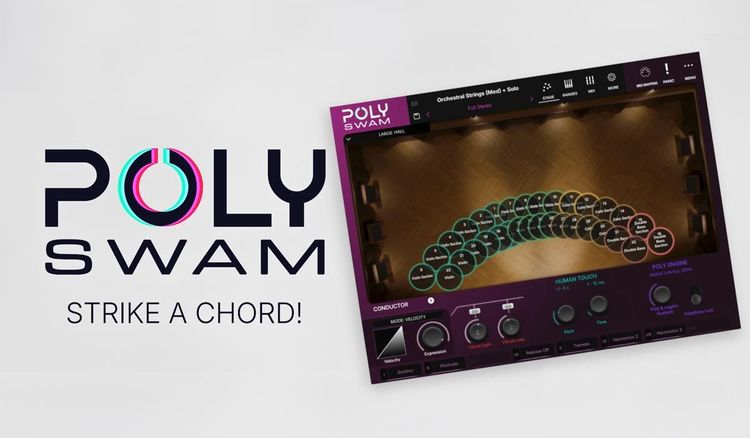
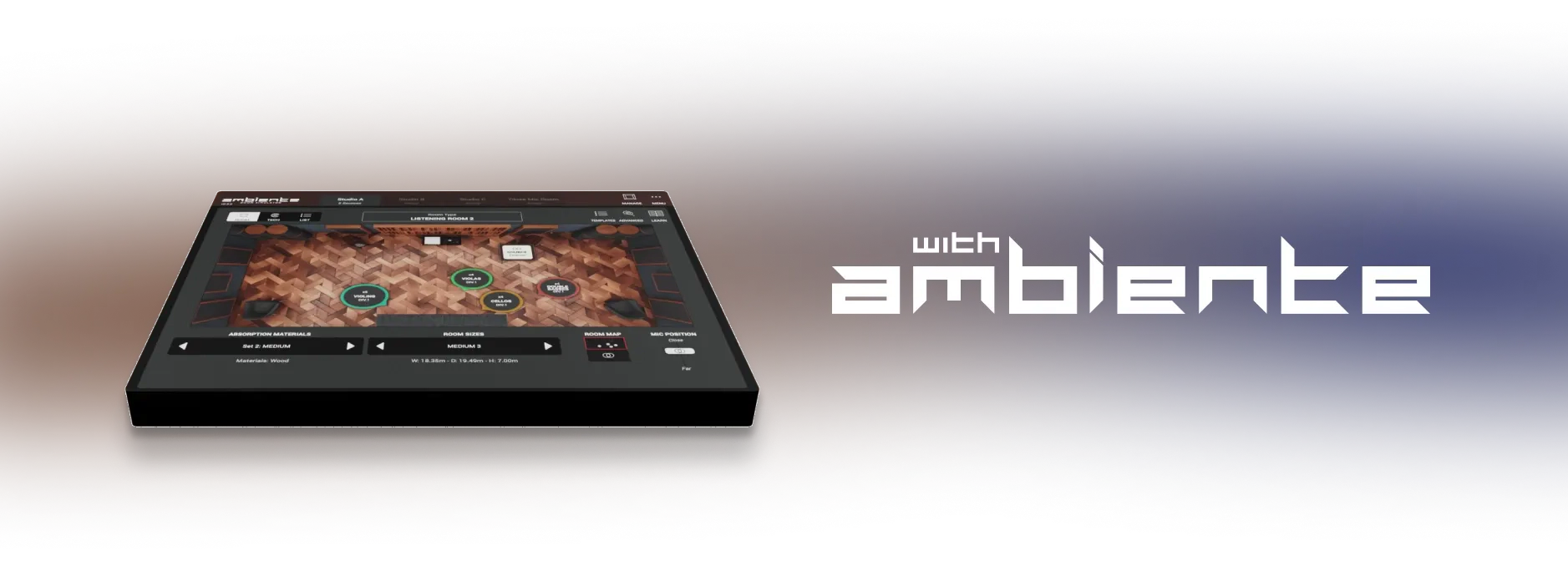
The Ambiente room simulator and Stage Placement let you balance acoustic depth and arrange players across the stage like a conductor.
It physically positions each performer on the virtual stage rather than adding a wet decay at the end of the chain.
A distinct, newly engineered polyphonic instrument powered by physical modeling.
It doesn't give you separate access to the standalone SWAM Solo engines, nor does it replace them.
Curated, pre-configured acoustic ensembles, sculpted for balanced polyphonic response and tuned to avoid phase cancellation and CPU overload.
You don't assemble ensembles from arbitrary solo models: you choose from expertly balanced, ready-to-play presets.
Models the acoustic physics of entire ensembles in real time, without static audio recordings or rigid velocity layers.
Its value isn't measured in gigabytes of storage or RAM. It requires zero sample streaming.
Capture rich chord progressions, full voicings, and orchestral mockups on a single DAW track, without loading massive templates.
It doesn't replace surgical, track-by-track orchestration or individual, note-by-note micro-editing.
A single preset handles delicate sustains, lyrical legatos, sharp staccatos, and dynamic swells — governed by touch and continuous controllers, with zero keyswitches.
It doesn't stack static notes: it manages voices dynamically through intelligent Voice Allocation (Complete, Multi, Mono).
The Ambiente room simulator and Stage Placement let you balance acoustic depth and arrange players across the stage like a conductor.
It physically positions each performer on the virtual stage rather than adding a wet decay at the end of the chain.
A distinct, newly engineered polyphonic instrument powered by physical modeling.
It doesn't give you separate access to the standalone SWAM Solo engines, nor does it replace them.
Curated, pre-configured acoustic ensembles, sculpted for balanced polyphonic response and tuned to avoid phase cancellation and CPU overload.
You don't assemble ensembles from arbitrary solo models: you choose from expertly balanced, ready-to-play presets.
SWAM Solo instruments and monophonic SWAM Strings Sections remain our core — the gold standard for surgical micro-detail, bespoke solo lines, and track-by-track production. Playing an ensemble with ten fingers is a conscious compromise: intelligent, centralized voice management instead of microscopic control over each performer.
When you need deep micro-control over every nuance, contrapuntal arranging, and ultimate realism for the final mix.
When you need instant polyphonic inspiration, rapid sketching on a single DAW track, or ten-finger acoustic performance on stage.

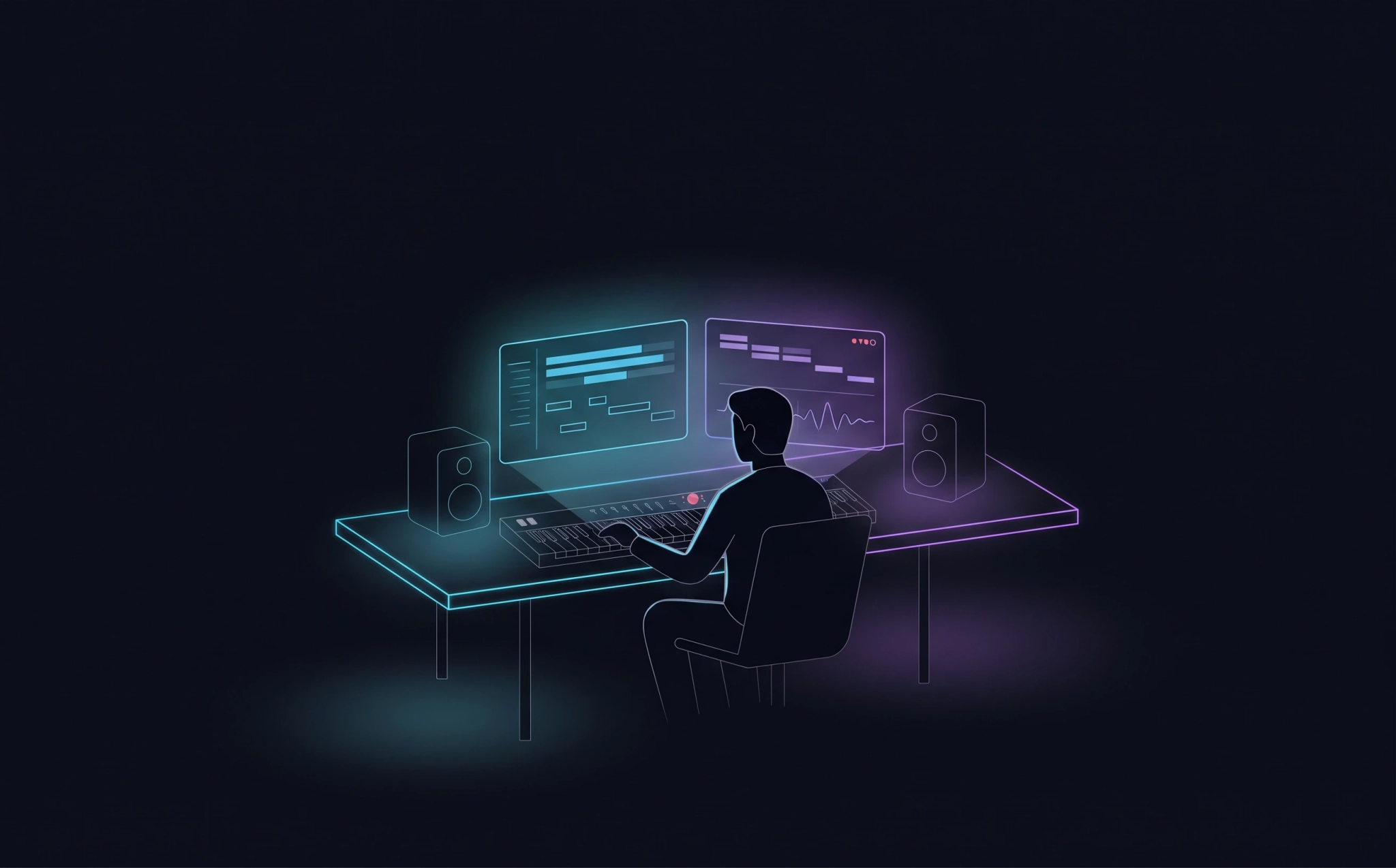
Studio & DAW
Immediate sketching & mockups
Lay down harmonic structures and orchestral colors on one DAW track — no 200-track templates, no articulation keyswitches.
The secret weapon for layering
Double your orchestral libraries: keep their room and spatial character while PolySWAM adds organic attacks, authentic legato, and swells without sample stepping.
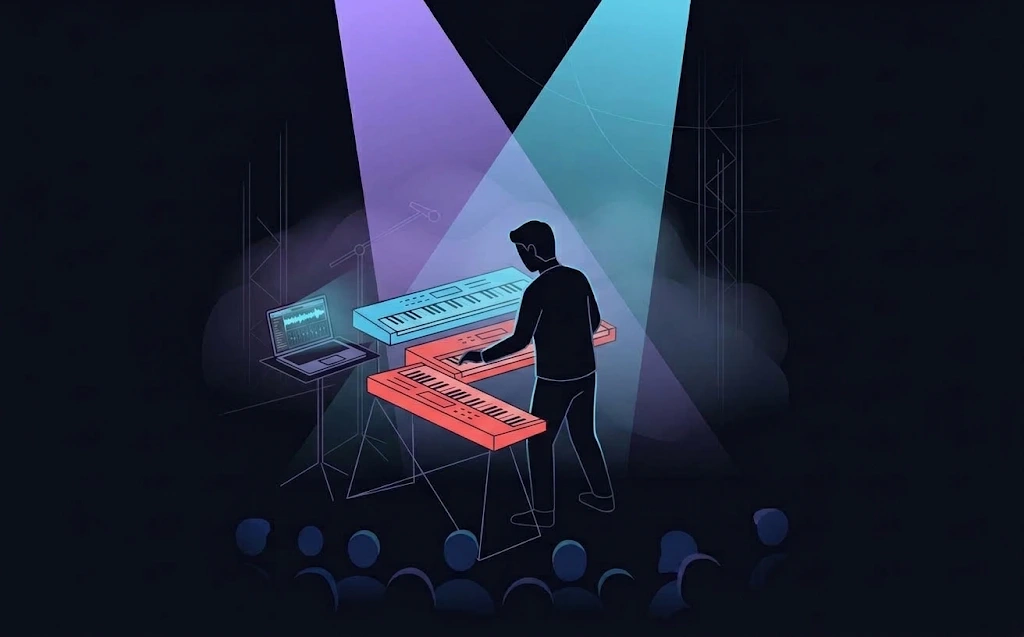
Stage & gigs
Ten-finger ensemble playing
Command soaring string sections, punchy funk horns, and full acoustic ensembles live, with complete dynamic response.
One preset, complete performance
No patch-switching on stage: a single preset handles legatos, sustains, and accents on the fly, with zero reload interruptions.
Rock-solid reliability
Near-zero RAM footprint, no sample-streaming drops, instant startup, and unified expression control via pedals, breath controllers, and Macros.
Minimal disk footprint, instant loading, and total freedom from repetitive sample loops or static velocity steps.

Move from intimate pianissimo sustains to biting staccatos and powerful swells, directly through velocity, touch, and expression pedals.
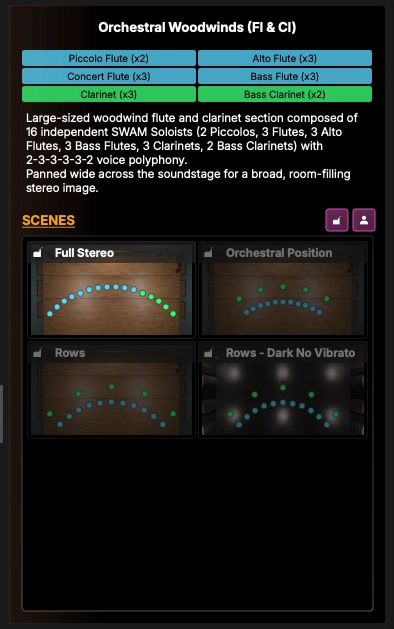
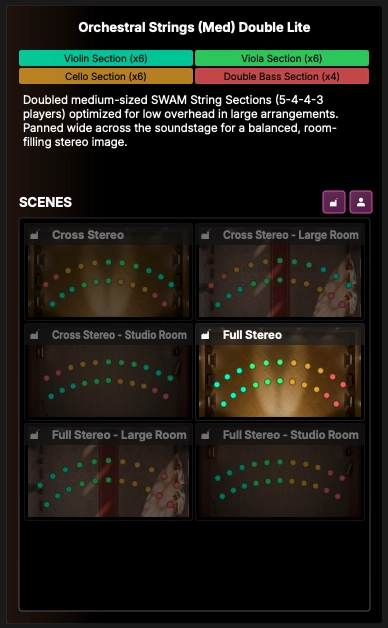
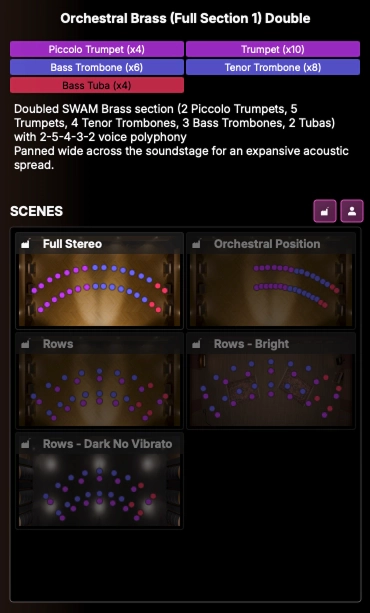
Proprietary algorithms route incoming notes to the right virtual players across the keyboard registers, in real time.
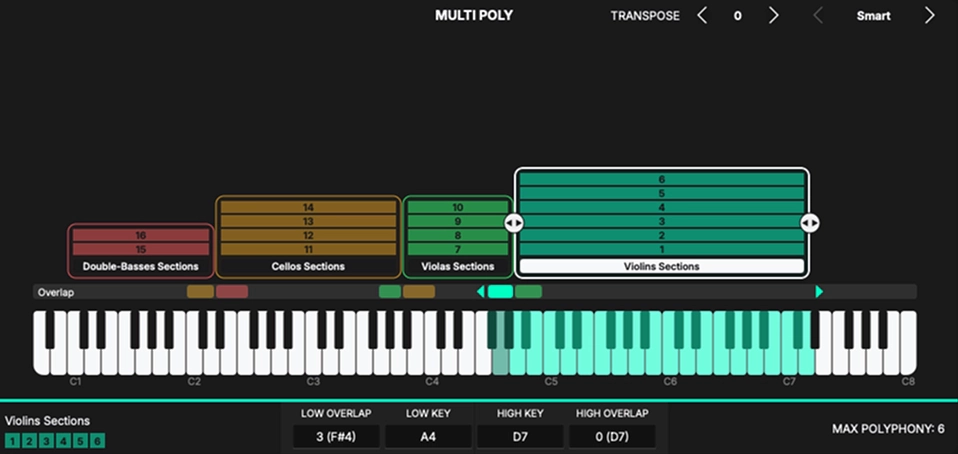
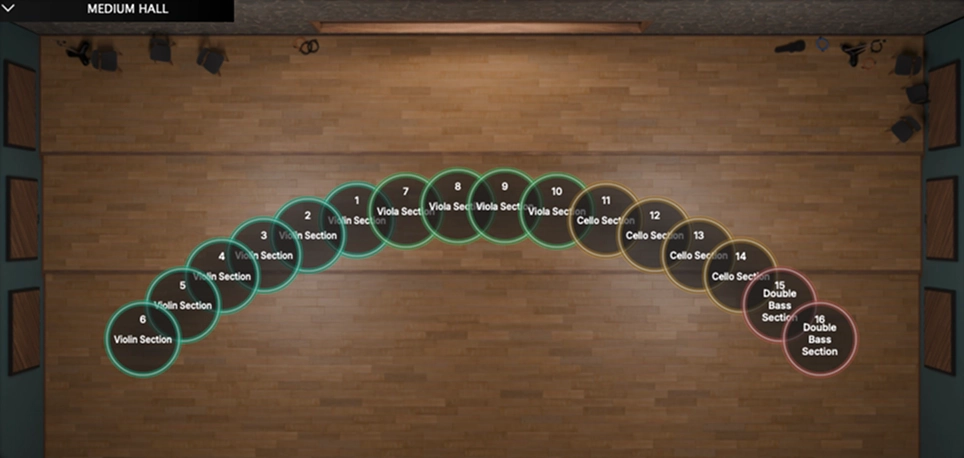
Arrange sections on the stage like a conductor to shape blend and acoustic depth. Scenes recall rooms, placement, and EQ and macro profiles instantly — without reloading the engine.
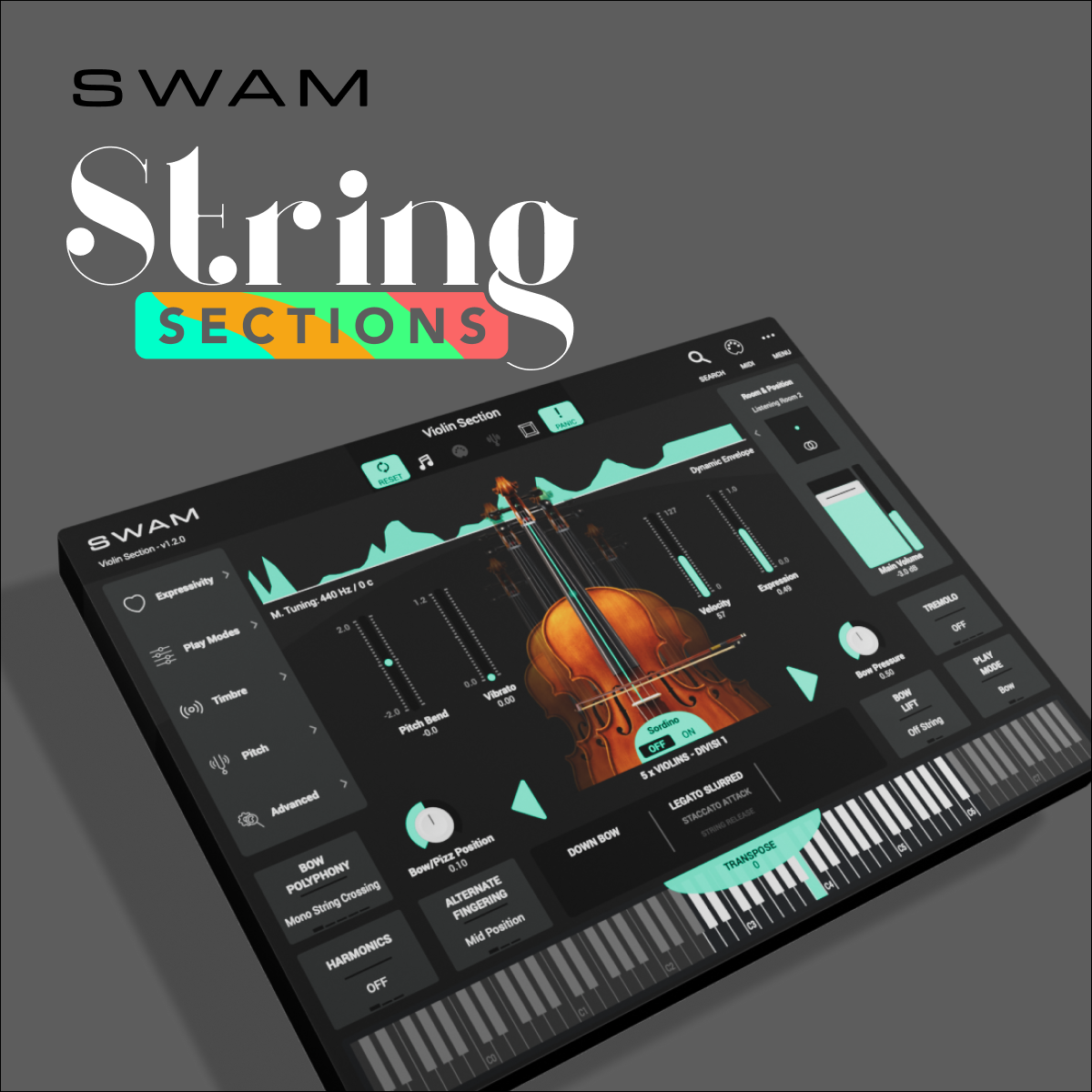
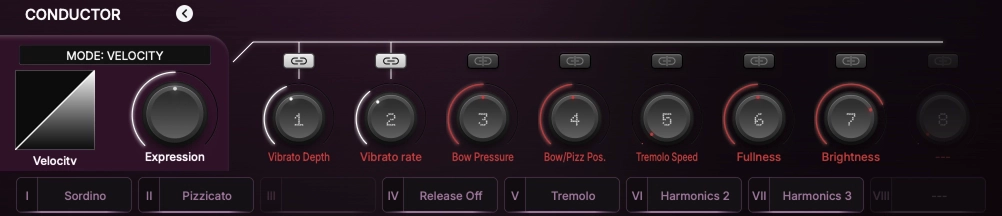
Engage playing techniques like con sordino, pizzicato, and tremolo instantly, and shape bow pressure, brightness, and fullness on the fly.
Compatible with all major plugin formats on Mac and Windows.
Standalone, AU, VST3, AAX - 64bit
Apple Silicon M1 or newer. Apple Silicon M3 or newer is recommended for the best voice distribution and the lowest latency.
Note: Intel-based Macs are not supported.
Standalone, VST3, AAX - 64bit
A modern, high-performance multi-core processor.
A dedicated audio interface with reliable, high-performance ASIO drivers is required
SWAM instruments offer an inclusive music-making experience for blind and visually impaired musicians. With their user-friendly interface and accessibility features, SWAM instruments enable visually impaired users to fully engage in the creative process without any barriers. Users can navigate the instruments with ease and focus on making music, regardless of their visual ability. With SWAM instruments, everyone can enjoy the joy and therapeutic benefits of music-making.

Stage View
Visually position and spread ensemble instruments across the acoustic space.
Keyboard Ranges
Inspect and adjust keyboard split points and voice allocation zones for each section
Mixer View
Balance section level trims, sculpt the tone with Master EQ, and adjust room ambience, stereo mic distance, and master output
Parametric EQ
Sculpt and balance the overall ensemble tone with Master EQ
Preset Browser
Explore, search, and load complete acoustic ensemble formations with all playable articulations under your fingers.
Room Catalogue
Browse and select physical room models to place the ensemble in distinct acoustic environments
MIDI Controller Mapping
Controller Mapping: Map continuous controllers, foot pedals, and external switches to expressive acoustic parameters
MIDI Mapping Table
Complete overview and management of all active MIDI CC assignments
More View / Tuning
Master pitch calibration and microtuning scale management
More View / Advanced
Advanced voice allocation rules and polyphonic engine parameters
Latest articles, tutorials, and news from Audio Modeling.